You're in the Right Place, Parents.
A simple, step-by-step way to protect your family online.

Protect Your Family Without Becoming a Tech Expert
You're busy, and you want your kids safe from strangers, scammers and content they shouldn't see. You don't need to learn cybersecurity. You need clear steps and the right tools.
- Your kids are on social media and you'd like to know what they see
- You use one password for several accounts
- You haven't had an online safety talk with your kids yet
- You want to protect every device in the house but aren't sure where to begin
3 Quick Wins for Your Family
Under 10 minutes total, with an instant payoff.

Check Your Kids' Privacy Settings
On Instagram, TikTok or Snapchat, open Settings and set the account to Private. About 2 minutes.

Secure Your Home WiFi
Type your router's address into a browser (it's printed on the router label, often 192.168.1.1 or 192.168.0.1). If the admin password was never changed, change it now. About 3 minutes.

Create a Family Safe Word
Pick a random phrase only your family knows, like “purple cactus.” If someone calls claiming to be a relative in trouble, ask for the word first.
These are your first steps. The 7-Day Family Safety Guide takes you the rest of the way.
Ready to Go All the Way?
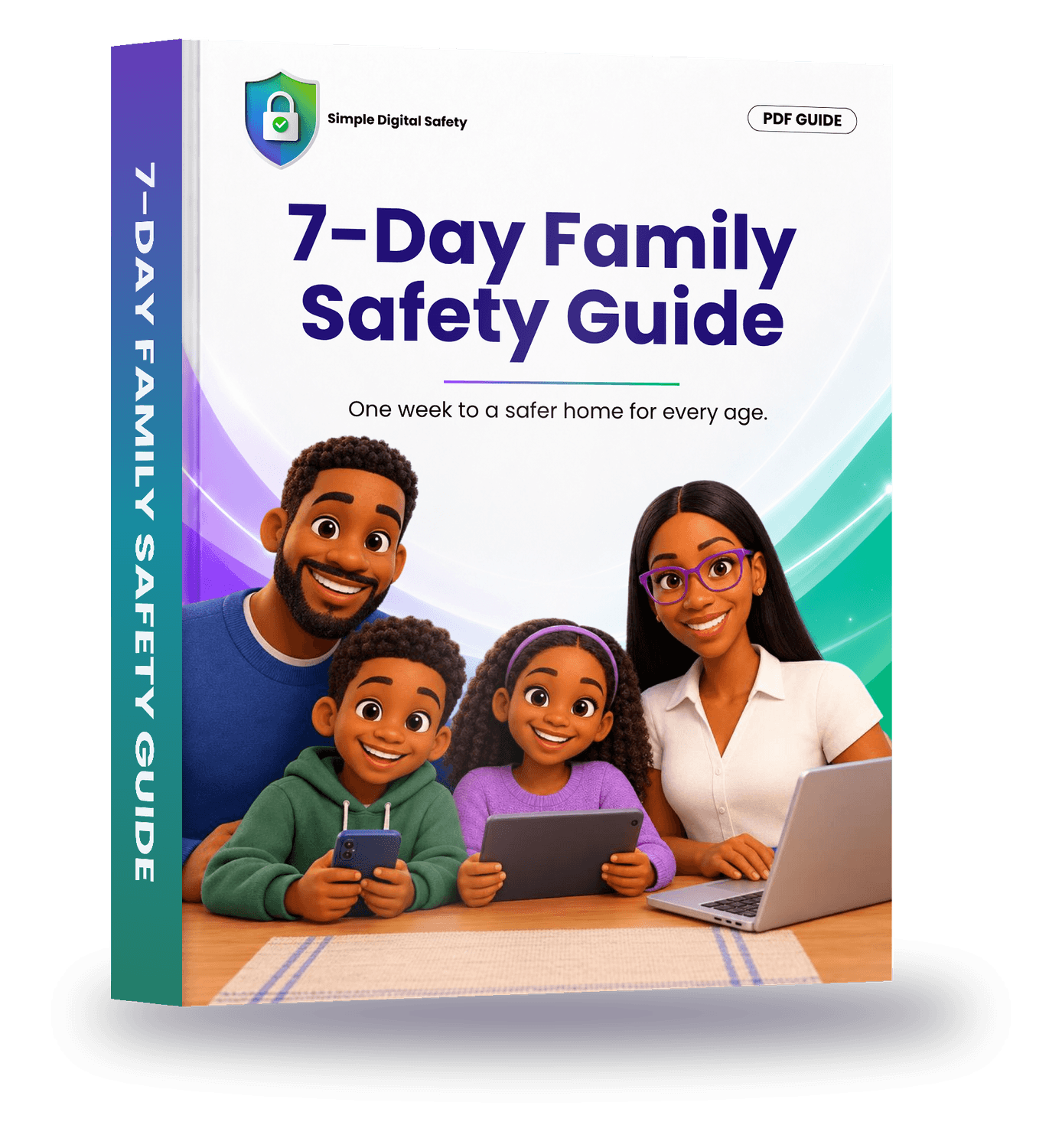
The 7-Day Family Safety Guide
One week to a safer home for every age.
- Step-by-step 7-day plan, 15 to 20 minutes a day
- Family Online Safety Agreement
- Household Device Inventory
- Stop. Check. Tell. Fridge Card
- 6 months of updates
Instant download · 6 months of updates
Not Ready Yet? Start Free.
Get the free 5-Minute Family Digital Safety Checklist.
No credit card required. Unsubscribe anytime.