Fake Microsoft Outage Emails Say Your Messages Will Be Deleted
Quick summary
- After the Microsoft 365 outage on November 12, scammers sent fake “service notices” saying your held emails will be deleted in 24 hours unless you click “Restore messages.”
- Microsoft confirmed the phishing campaign on November 14. The emails even quote the real outage number, which proves nothing.
- Your fix: don't click. Open Outlook the way you always do. If your email is there, you're done.
When a big service goes down, scammers send fake “we're fixing it” messages within hours. This week it's Microsoft's turn. If you use Outlook or Teams, especially at work, here's what to watch for.
How This Scam Works
On November 12, a Microsoft 365 outage knocked out work email for many people, with knock-on problems for Outlook, calendars and some Teams features. Microsoft found no sign that hackers caused it. But scammers moved fast anyway.
Some fake emails claim four of your messages were “held” during the outage and will be deleted in 24 hours. A big “Restore messages” button leads to a fake sign-in page that steals your Microsoft password. Another version says a “security issue” was found on your account and asks you to “Take action.”
Security researchers also spotted other versions:
- Fake Outlook password reset emails and texts
- Callers posing as Microsoft support who offer help or refunds, then ask you to let them into your computer
- A “supplier” or “manager” whose email is supposedly down, asking you to send a payment to a new account
The real-number trick
The fake emails quote Microsoft's real outage number, EX1550543, to look official. A real number copied into an email doesn't make the email real.
What to Do Right Now
Don't click the button
Skip “Restore messages,” “Take action” and any password reset link you didn't ask for.
Check the normal way
Open the Outlook app or type outlook.com yourself. If your mail is there, you're done. At work, check with your IT team instead of the email.
Hang up on surprise “support” calls
Never let a caller connect to your computer or walk you through a “fix.” If you need help, contact Microsoft or your IT team yourself.
Confirm payment changes by phone
“My email is down, pay this new account” is a classic setup. Call the person on a number you already have before sending money.
Already typed your password?
Change your Microsoft password right away from the real site, then turn on two-step verification or a passkey. At work, tell IT now so they can lock things down.
Report it
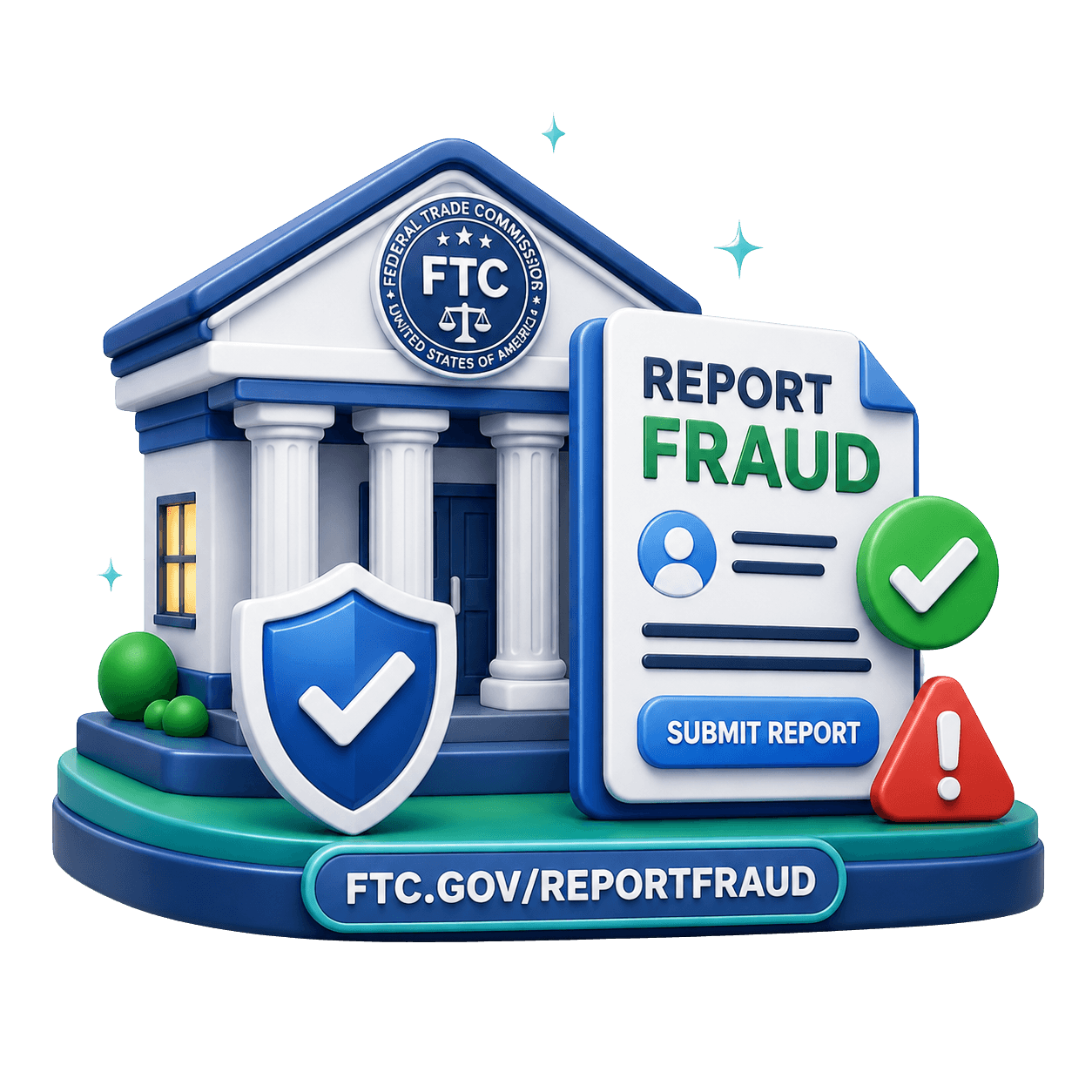
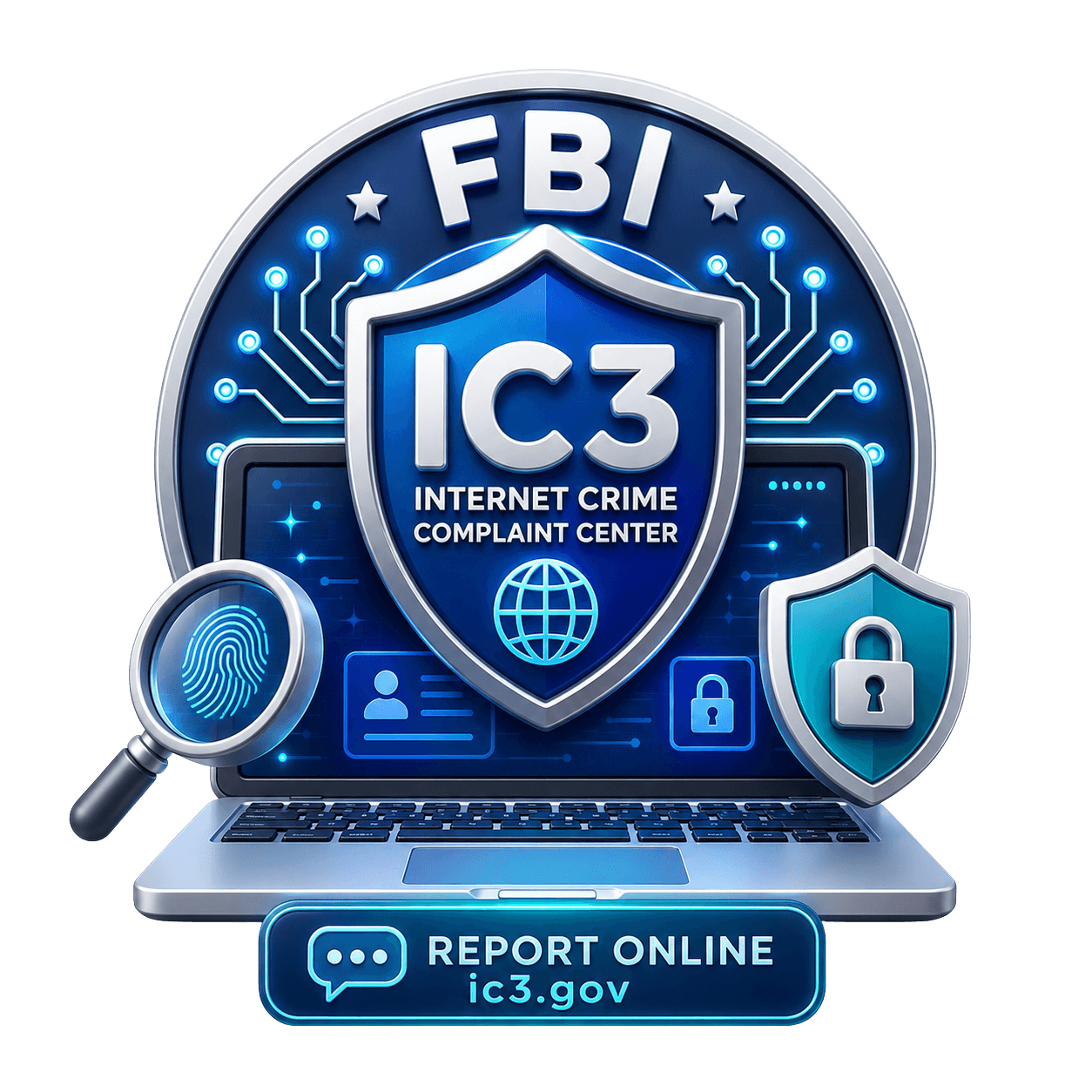
In Outlook, use Report then Report phishing. You can also forward phishing emails to reportphishing@apwg.org.
Stay Protected Going Forward
Here's the pattern to remember: when something big breaks, scammers send the “fix.” Outages, data breaches and flight cancellations all bring a wave of fake help. Microsoft is already the brand scammers copy most. Check Point found it was used in 33% of all brand phishing attempts in the third quarter of 2026.
One more quick win: turn on automatic updates for Windows and Microsoft Office. Microsoft's November update fixed an Outlook flaw that attackers were already using.
Run a small business?
Remind your team today: no clicking “restore” or “verify” links, and no payment changes without a phone call to a number you already have. Two rules, two minutes, a lot of protection.
Want to spot phishing emails before they reach the button? See our other alerts in the Scam Alert Center.
Sources
- Microsoft Threat Intelligence, phishing campaign warning, November 14, 2026 (reported by Khaleej Times)
- Mimecast, “Attackers Exploit the Microsoft 365 Outage with Fake “Held Messages” Lures,” November 2026
- Field Effect, “Microsoft 365 outage theme drives credential phishing and support scams,” November 13, 2026
- Malwarebytes, “A week in security (November 9 to 15)”
- Infosecurity Magazine, citing Check Point brand phishing data for Q3 2026
Report This Scam
Reporting helps stop scammers and protects the next person.
Already sent money or shared info?
Follow our calm, step-by-step plan. I just got scammed: what to do now →
Created by a cybersecurity professional with 20+ years of experience, including protecting Fortune 500 companies. Facts are checked against trusted security sources.
Where to Report It
Every report helps protect the next person.
Already Been Scammed?
Take a breath. Our step-by-step plan shows you exactly what to do first.
See the Full Plan
Stay Ahead of AI Scams
Voice cloning, deepfakes and the new scam playbook, with 5 printable tools.
See the AI Safety GuideGet Scam Alerts Before They Hit
Free weekly alerts with simple fixes. No spam, unsubscribe anytime.